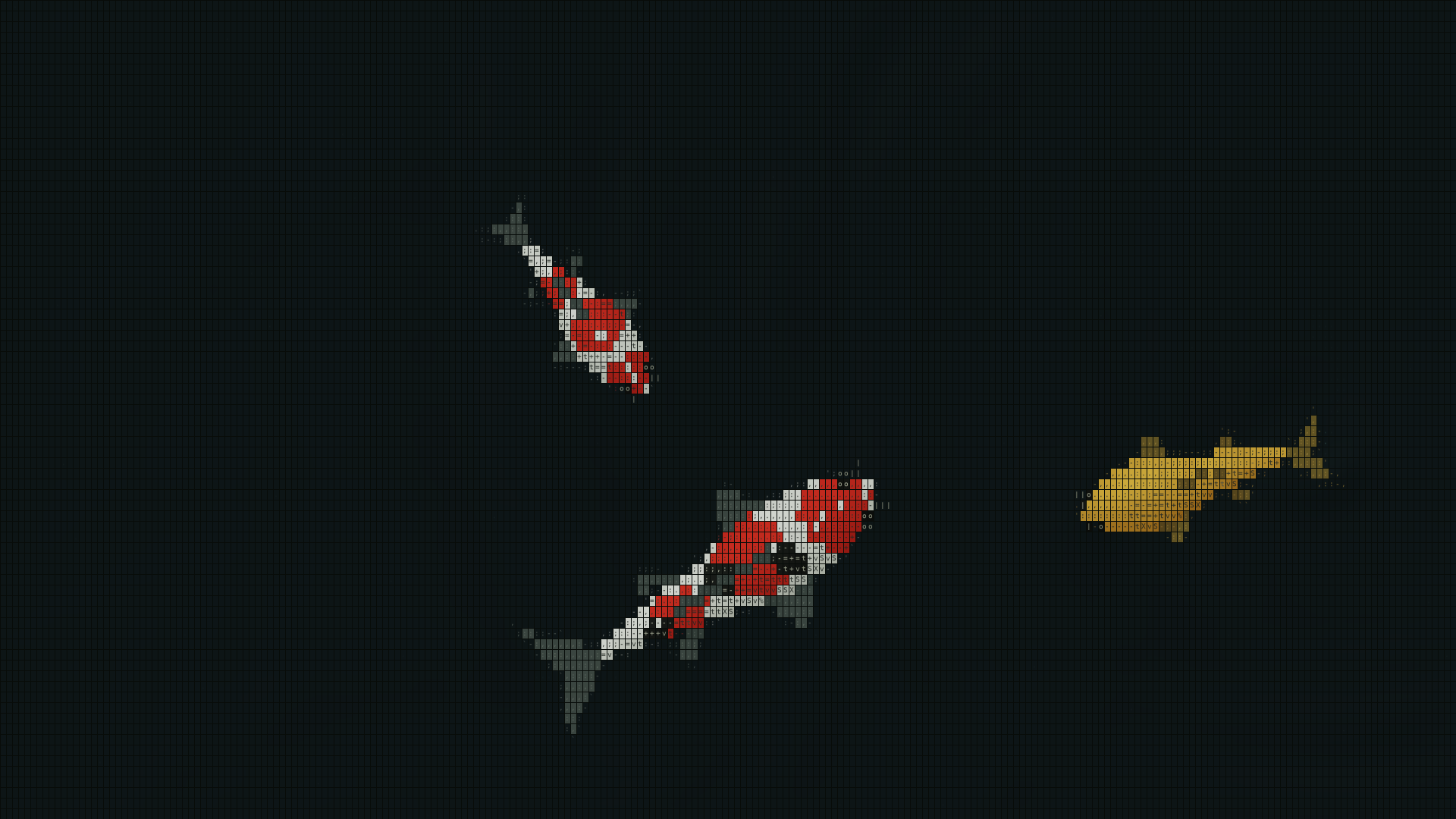

From a little farther away, you see a fish. Look closer and its outline and markings resolve into small characters and symbols. An ASCII wallpaper brings that change in perspective to your desktop.
Choose between a still image and a live wallpaper
For a single picture, choose an image with a resolution that suits your monitor. If you want to use a photo of your own, look for a tool that converts images to character art and lets you save the result. Check the usage terms if you download someone else's image.
For artwork that moves, choose a live wallpaper app that supports your operating system. In a preview video, watch which parts move and how clearly you can read the characters near the edges. See how easy it is to read the icon labels as the scene moves behind them.
Watch koi swim in characters
ASCII Japanese Garden Wallpaper is a Windows live wallpaper that draws koi with characters and color. They swim behind your desktop icons. As a koi turns, its body and tail bend, changing the outline formed by the characters.
You can choose a white or black pond background. Try both with the desktop fully visible, then with your usual windows open and only the edges showing. For more on how the fish look and move, see Choosing a koi pond wallpaper.
Use it on Windows
ASCII Japanese Garden Wallpaper is designed for Windows 11 x64. The getting-started guide explains how to show the pond, keep it running with settings minimized, and exit the app.